
Performance Under Pressure: Latency, Packet Loss, MTU, and Mobile Network Switching
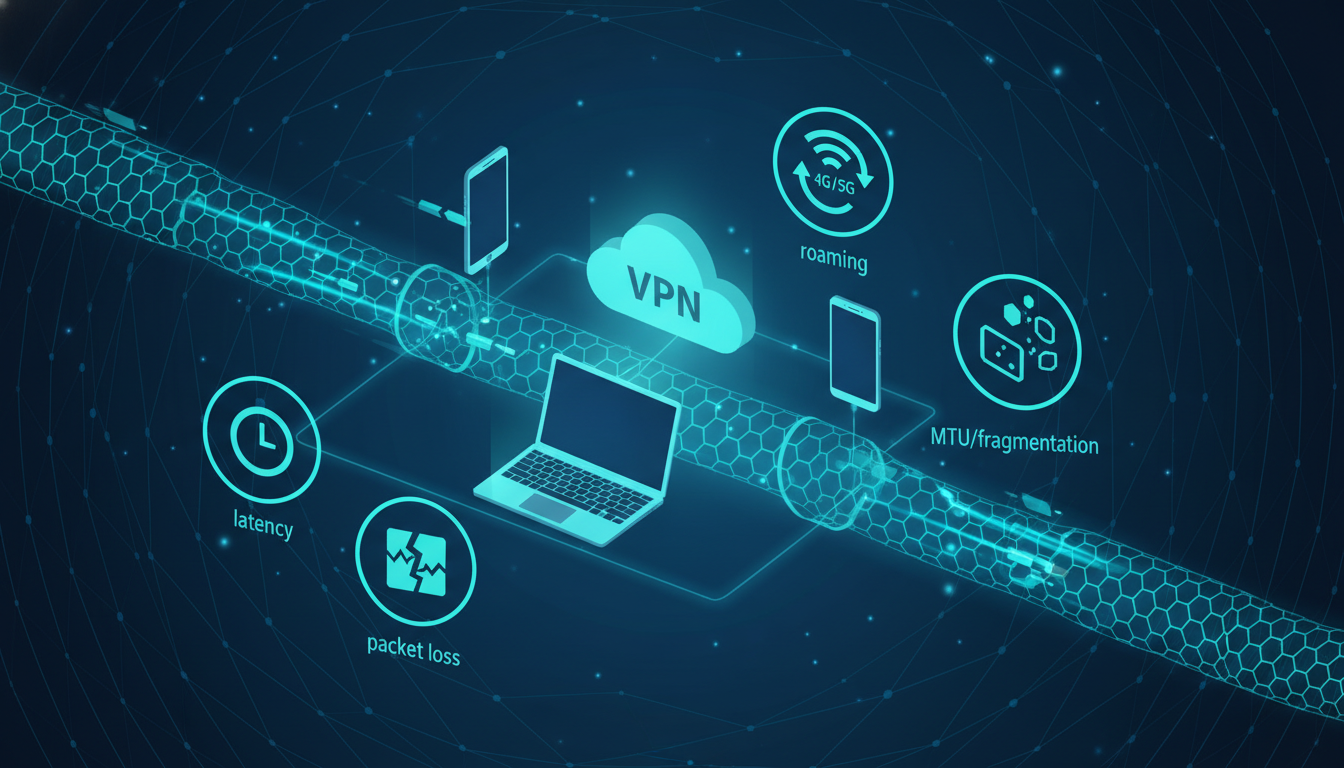
A VPN can be perfectly secure and still feel frustrating to use. Users often describe VPN problems in simple terms: “it’s slow,” “it keeps disconnecting,” or “some sites don’t load.” But behind these symptoms are measurable network factors—latency, packet loss, MTU limits, and routing behavior.
In restricted or unstable environments, these factors become more intense. Even small inefficiencies can create large performance drops, especially for real-time apps, video calls, or mobile browsing. Understanding what actually causes VPN performance issues is the first step toward building a setup that stays reliable.
The first factor is latency. Latency is the time it takes for data to travel from your device to a destination and back. A VPN adds an extra hop because traffic must reach a VPN server before reaching the final site. If the VPN server is far away—or the route to it is inefficient—latency increases.
High latency is not always obvious in speed tests, but it affects user experience. Pages may “start loading” slower. Interactive services feel delayed. Video calls become unstable. In many cases, VPN users mistake latency problems for bandwidth problems.
The second factor is packet loss. Packet loss happens when some data packets never reach their destination. On the internet, small packet loss is normal, but higher levels cause major issues. Encryption does not prevent packet loss. In fact, VPN tunnels can amplify the impact because retransmissions occur inside the encrypted channel.
Packet loss is especially common on mobile networks, congested Wi-Fi, and during network transitions. It often shows up as sudden pauses, buffering, or services that time out even though the connection is still “active.” When packet loss increases, the VPN may appear unstable even when the provider is not the problem.
A third factor is MTU, which stands for Maximum Transmission Unit. MTU defines the largest packet size a network path can carry without fragmentation. VPN encryption adds extra overhead to each packet. If the underlying network MTU is too small, packets may fragment or fail, causing slowdowns or partial connectivity.
MTU issues are often responsible for a frustrating pattern: some sites load normally, others never fully open. Users assume it’s blocking or censorship. Sometimes it is. But MTU mismatch can create the same symptoms without any filtering involved.
Routing is another performance layer. Your traffic does not take a single predictable path to the VPN server. It travels through multiple networks, and those routes change based on congestion, peering agreements, and local infrastructure. Two VPN servers in the same country can perform very differently depending on route quality.
This is why “closest server” is not always the fastest. Distance matters, but routing efficiency matters too. A slightly farther server with a cleaner route can outperform a closer one with poor transit.
Mobile network switching adds another challenge. When you move between Wi-Fi and cellular data, your device may change IP addresses, network interfaces, and DNS behavior. A VPN tunnel must either reconnect quickly or maintain a stable session across changes. Protocols with strong roaming behavior can feel smoother here, while others may drop more often.
In restricted environments, the problem may be multiplied by active interference. Networks can throttle, delay, or deprioritize encrypted tunnels. Even without outright blocking, this can degrade performance enough to make VPN usage impractical. The user experience becomes “slow,” but the underlying cause is policy-driven traffic handling.
It is important to understand that speed tests rarely reflect real performance. A VPN might show good download numbers but still feel slow in daily browsing. This happens when latency is high, packet loss is unstable, or MTU issues affect certain traffic patterns.
Reliability matters more than peak throughput for most users. A stable connection that stays consistent under pressure is often a better privacy outcome than the fastest connection that breaks frequently. Users who experience instability tend to disable VPN protection completely, which defeats the original purpose.
Realistic performance improvement comes from choosing stable server locations, keeping configurations simple, and avoiding unnecessary complexity. In many cases, “simpler and consistent” beats “maximum settings” for long-term usability.
VPN performance is not purely about the provider. It is a system made of your device, your local network, your ISP route, and the VPN infrastructure. When performance fails, it usually fails at one of these layers. Understanding the layers is what turns VPN usage from trial-and-error into predictable results.
Disclaimer: This article is for educational purposes only and discusses lawful, responsible privacy technology concepts. It does not provide instructions for bypassing restrictions or violating laws or terms of service.