
The Best VPN Features for iPhone and iPad Users
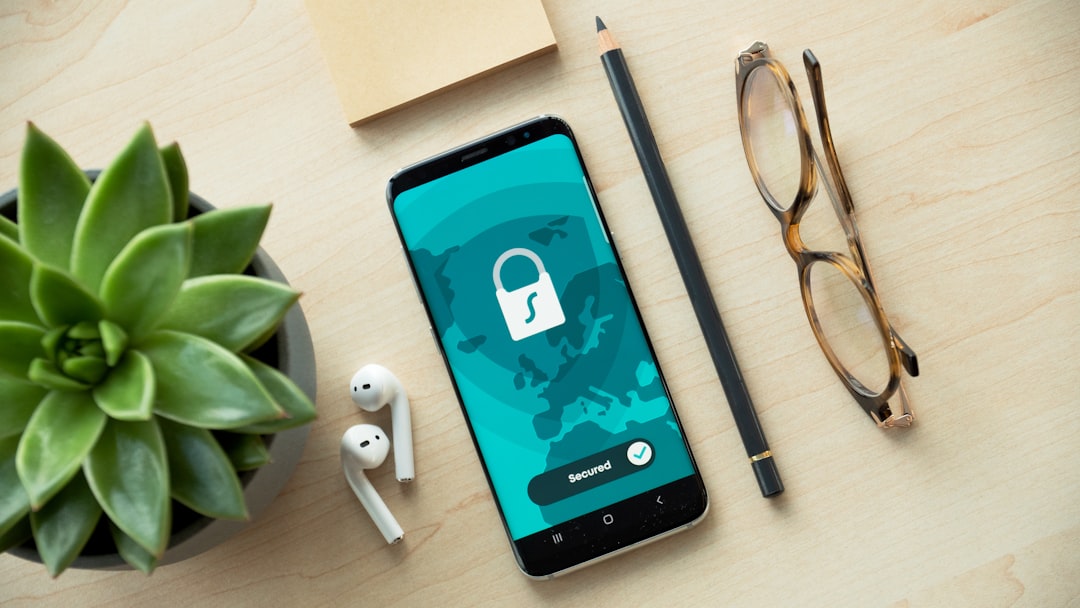
Choosing the right VPN for your iPhone or iPad means understanding which features actually matter for iOS users. While many VPNs advertise dozens of capabilities, only a handful truly enhance your mobile security and privacy. This guide breaks down the essential VPN features that make a real difference when protecting your Apple devices from public Wi-Fi threats, tracking, and data breaches.
Kill Switch Protection for iOS Devices
A kill switch is your safety net when your VPN connection drops unexpectedly. This feature automatically blocks all internet traffic if the VPN disconnects, preventing your real IP address and data from being exposed. For iPhone and iPad users, this is particularly important when switching between Wi-Fi and cellular networks.
Why it matters on iOS: iOS devices frequently switch connections as you move around. Without a kill switch, your device might transmit unprotected data during those transition moments. Look for VPNs that offer Always-On VPN functionality through iOS settings, which provides native kill switch protection.
Not all iOS VPNs implement kill switches the same way. Some use Apple's built-in VPN API, while others require manual configuration. The best VPNs make this feature automatic and reliable without draining your battery.
Modern VPN Protocols: WireGuard and IKEv2
The protocol your VPN uses determines speed, security, and battery consumption. For iPhone and iPad users, two protocols stand out: WireGuard and IKEv2/IPSec. These modern protocols are specifically optimized for mobile devices.
| Protocol | Speed | Battery Impact | Security |
|---|---|---|---|
| WireGuard | Fastest | Low | Excellent |
| IKEv2/IPSec | Fast | Medium | Excellent |
| OpenVPN | Moderate | High | Excellent |
| Legacy VPN | Slow | Very High | Poor |
WireGuard uses less code than older protocols, making it faster and more secure. IKEv2 excels at maintaining connections when you switch between Wi-Fi and cellular data. Avoid VPNs that only offer outdated protocols like PPTP, as these provide minimal protection.
Split Tunneling for Selective Protection
Split tunneling lets you choose which apps use the VPN and which connect directly to the internet. This feature is valuable when you need maximum speed for certain apps while maintaining protection for others. For example, you might route your banking app through the VPN while letting streaming services use your regular connection.
Common split tunneling uses:
- Accessing local network devices while protecting browsing
- Improving streaming speed for trusted services
- Reducing VPN data usage on metered connections
- Maintaining access to region-specific apps
Not all iOS VPNs offer split tunneling due to Apple's restrictions, but those that do provide significantly more flexibility for daily use.
No-Logs Policy and Privacy Audits
A VPN's privacy policy matters more than marketing claims. Look for providers with a verified no-logs policy that has been independently audited. This means the company doesn't record your browsing history, connection times, IP addresses, or data usage.
The best VPN providers undergo regular third-party audits by cybersecurity firms. These audits verify that the company's actual practices match their privacy promises. For iPhone and iPad users concerned about data collection, audited no-logs policies provide peace of mind that your activity remains private.
Check the VPN's jurisdiction too. Companies based in privacy-friendly countries have fewer legal obligations to collect or share user data with government agencies.
Automatic Wi-Fi Protection
Your iPhone or iPad should automatically connect to the VPN when joining untrusted Wi-Fi networks. This feature, called auto-connect or Wi-Fi protection, eliminates the need to manually activate your VPN at coffee shops, airports, or hotels.
Premium VPNs let you create custom rules: always connect on public networks, never connect at home, or automatically enable the VPN when specific apps launch. This automation ensures you're always protected without constant manual intervention.
Native iOS Widget and Shortcuts Support
The best iPhone VPNs integrate deeply with iOS features. Look for providers offering home screen widgets for one-tap connection and Siri Shortcuts support for voice-activated protection. These conveniences make using a VPN effortless in your daily routine.
Widgets should display your connection status and current server location at a glance. Shortcuts integration allows you to create automated workflows, like activating the VPN when you leave home or open your banking app.
When choosing a VPN for your iPhone or iPad, prioritize these essential features over flashy extras. A reliable kill switch, modern protocols, verified no-logs policy, and seamless iOS integration provide the protection and convenience mobile users actually need. Test your chosen VPN's connection stability and battery impact during normal use to ensure it meets your daily requirements without compromising device performance.